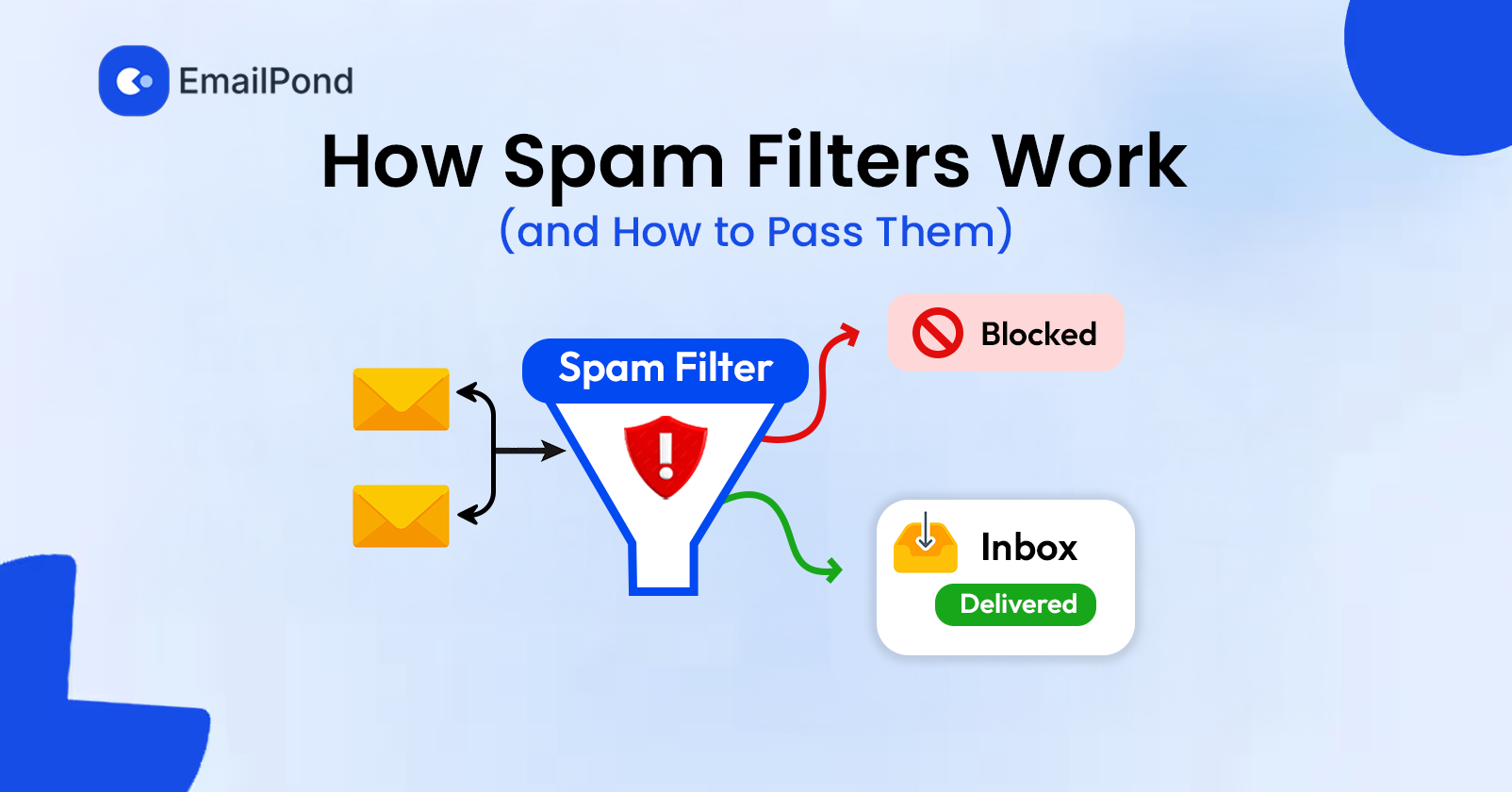
Spam filters decide where an email goes by evaluating multiple signals about the sender and message. These can include sender reputation, SPF, DKIM, DMARC, sending behavior, recipient engagement, message content, links, attachments, and previous complaints.
Passing a spam filter is not about removing a few words from your subject line. A correctly authenticated email can still reach spam if the sending domain has a poor reputation, the list contains invalid addresses, or recipients regularly ignore and report messages.
For cold email and other campaigns, the goal is to build a trustworthy sending identity and maintain healthy signals over time.
How Do Spam Filters Work?
Modern spam filters use multiple signals to determine whether an incoming message is wanted, suspicious, or abusive. Gmail, Microsoft 365, Yahoo, and other providers use their own filtering systems, so there is no universal spam score that determines inbox placement.
The main signals include:
Sender reputation: Historical behavior associated with a sending domain, mailbox, and sometimes IP address.
Authentication: SPF, DKIM, and DMARC help verify the sender's identity.
Engagement: Replies, clicks, forwards, deletions, and spam complaints provide recipient feedback.
Sending behavior: Sudden volume increases and unusual patterns can affect filtering.
Content: Filters can inspect message structure, links, HTML, attachments, and formatting.
List quality: Bounces, inactive addresses, spam traps, and complaints can affect reputation.
These signals work together. A new domain with correct authentication can still have limited inbox placement because it has little sending history. An established sender can also experience filtering after a sharp increase in complaints or sending volume.
What Signals Do Spam Filters Check?
Sender Reputation
Sender reputation reflects the historical trust associated with an email sender. Providers can consider domain and IP reputation, authentication history, recipient complaints, bounce behavior, and engagement.
Reputation develops over time. A few successful campaigns do not establish a strong reputation immediately, while repeated complaints or poor-quality sending can create negative signals.
Changing an IP address also does not automatically remove reputation problems associated with the sending domain.
SPF, DKIM, and DMARC
Authentication helps mailbox providers verify that an email comes from an authorized source.
SPF identifies the servers and services authorized to send email for a domain.
DKIM adds a cryptographic signature that allows the receiving server to verify the message's authorization and integrity.
DMARC connects authentication with the visible From domain and provides instructions for handling authentication failures.
Correct authentication does not guarantee inbox placement, but missing or incorrect records can create deliverability problems.
Recipient Engagement
Recipient behavior can influence how future messages from a sender are handled. Replies, clicks, forwards, and other positive interactions can indicate that recipients want the email.
Spam complaints, repeated deletions, and continued lack of interaction can provide negative signals.
Open rates should be treated carefully because privacy features can generate automated opens that do not represent actual recipient behavior. Replies, clicks, complaints, and other actions can provide more useful evidence of engagement.
Sending Volume and Patterns
Spam filters also evaluate sending behavior over time. A domain that normally sends a small number of messages and suddenly increases its volume can create a different pattern.
Large volume increases can also lead to more bounces and complaints, which may affect reputation.
New domains and mailboxes should therefore increase sending gradually rather than immediately moving to their intended maximum volume.
Message Content
Spam filters do not rely on one fixed list of forbidden words. They can evaluate the overall structure and characteristics of a message.
Potential signals include:
Excessive links
Suspicious or mismatched URLs
Broken HTML
Image-heavy messages
Unusual formatting
Misleading subject lines
Attachments
Obfuscated text
Repeated promotional language
Sender and destination inconsistencies
Changing one phrase in a subject line rarely fixes a broader deliverability problem.
Why Do Emails Go to Spam?
There is rarely one reason an email reaches spam. Common causes include weak sender reputation, authentication problems, poor list quality, sudden sending increases, high complaint rates, and suspicious content.
Poor Sender Reputation
Reputation problems usually develop over time. Repeated complaints, high bounce rates, and poor engagement can create negative signals.
For this reason, reputation should be monitored before and during campaigns instead of only after inbox placement drops.
Poor Email Lists
Invalid, outdated, purchased, or scraped addresses can create deliverability problems.
Hard bounces reduce list quality signals, while spam traps can create more serious reputation issues. Repeatedly sending to recipients who never engage can also weaken the overall quality of an audience.
Incorrect Authentication
If SPF, DKIM, or DMARC is missing or misconfigured, providers have less information available to verify the sender.
Authentication should also be checked after changing email providers, DNS records, or sending infrastructure.
Sudden Volume Changes
Sending volume should match the history of the mailbox and domain. A new mailbox sending hundreds of emails immediately has little history to support that behavior.
Gradual increases give providers more time to observe sending activity and recipient response.
High Spam Complaints
Spam complaints are direct negative feedback from recipients. Even properly authenticated email can perform poorly when recipients repeatedly mark it as spam.
Reducing complaints may require better targeting, lower frequency, a different offer, or removing unresponsive recipients.
How Can You Pass Spam Filters?
Passing spam filters starts with the sending setup, not just the email copy.
1. Authenticate Your Domain
Configure SPF, DKIM, and DMARC correctly before sending at scale. Check that your visible From domain and authentication records have the required relationships for DMARC.
Test authentication again after changing your email provider or sending infrastructure.
2. Build Sender Reputation Gradually
New domains and mailboxes need time to establish sending history.
Start with controlled volumes and increase activity gradually as recipient response remains healthy. Avoid unexplained spikes.
Email warmup follows this principle by generating controlled engagement while a mailbox develops a reputation history. EmailPond connects Google Workspace and Microsoft 365 mailboxes through OAuth and uses a business inbox network to generate engagement signals. Its documented warmup process begins at low daily volumes and gradually increases activity before moving into a maintenance range.
3. Send to Valid Recipients
Keep prospect lists clean. Remove invalid addresses, suppress repeated bounces, and avoid sending large campaigns to recipients who are unlikely to engage.
For cold outreach, accurate targeting matters because irrelevant messages can increase complaints and reduce engagement.
4. Keep Sending Patterns Consistent
Avoid extreme changes in volume that do not match the domain's established history.
Consistency does not mean sending exactly the same number of emails at exactly the same time every day. It means maintaining a reasonable pattern and increasing activity gradually.
5. Write Relevant Emails
Spam filters are not defeated by inserting so-called safe words into your copy.
Use a clear sender identity, relevant messaging, simple formatting, and legitimate links. For HTML email, check that the code works correctly and that the message remains understandable without images.
6. Provide an Unsubscribe Option
Marketing and bulk email should provide an appropriate way for recipients to stop receiving messages.
A working unsubscribe process gives recipients an alternative to marking unwanted messages as spam. Gmail and Yahoo also have specific unsubscribe requirements for applicable bulk senders.
7. Monitor Inbox Placement
Delivery does not always mean inbox placement. A receiving server can accept an email while the provider places it in spam or another folder.
Inbox placement testing can show how messages are handled across different providers. EmailPond's free deliverability test checks inbox placement, spam score, authentication status, and blacklist presence.
Does Email Warmup Help Pass Spam Filters?
Email warmup can support sender reputation, but it does not solve every spam problem.
Warmup gradually generates engagement activity for a mailbox or domain before and during regular sending. It helps build a sending history that gives mailbox providers more information about the sender.
It does not fix:
Incorrect SPF, DKIM, or DMARC records
Poor-quality lists
Spam traps
High complaint rates
Suspicious links
Excessive sending
A damaged domain reputation
These issues need to be addressed separately.
How Do You Know if an Email Will Go to Spam?
You cannot know with complete certainty before sending because each mailbox provider uses its own filtering system and recipient behavior can affect placement.
You can test the main factors that influence delivery:
SPF, DKIM, and DMARC for authentication.
DMARC alignment between the visible From domain and authenticated identity.
Spam score and content for message-level problems.
Blacklist status for domain and IP reputation issues.
Inbox placement across relevant mailbox providers.
Sender reputation before increasing campaign volume.
Bounce and complaint rates after sending.
EmailPond's free deliverability test combines several of these checks into one report, including inbox placement, spam score, SPF, DKIM, DMARC, and blacklist status.
Why Choose EmailPond for Email Deliverability?
EmailPond combines email warmup, reputation monitoring, and deliverability testing in one platform. It connects Google Workspace and Microsoft 365 mailboxes through OAuth and generates engagement through its business inbox network. The platform also monitors sender health, inbox placement, and engagement across connected domains and inboxes.
For teams and agencies managing multiple sending accounts, EmailPond provides a centralized way to handle reputation activity instead of monitoring each inbox separately. Its deliverability tools cover inbox placement, spam score, SPF, DKIM, DMARC, and blacklist status. The platform also provides API access for provisioning inboxes, monitoring reputation, receiving webhooks, and automating workflows.
FAQs
What is a spam filter?
A spam filter evaluates incoming email and determines whether it should reach the inbox, another folder, or spam. It can consider reputation, authentication, content, sending behavior, and recipient signals.
What makes an email go to spam?
Poor sender reputation, authentication failures, high complaint rates, poor list quality, sudden volume increases, suspicious links, and problematic content can all contribute to spam placement.
Does SPF prevent emails from going to spam?
No. SPF authenticates authorized sending sources, but inbox placement also depends on reputation, DKIM, DMARC, content, engagement, and other provider signals.
Does DKIM improve email deliverability?
DKIM supports sender authentication by allowing receiving servers to verify a cryptographic signature. It can support trustworthy sending infrastructure but does not guarantee inbox placement.
Does DMARC stop emails from going to spam?
No. DMARC helps providers verify the relationship between the visible From domain and SPF or DKIM authentication. It does not guarantee inbox placement.
Can changing spam words fix deliverability?
Usually not. Spam filters evaluate many signals beyond individual words. If reputation, authentication, list quality, or sending behavior is the problem, changing the copy alone will not solve it.
Does email warmup prevent spam?
No. Warmup can support sender reputation, but it cannot compensate for poor lists, authentication problems, high complaint rates, suspicious links, or excessive sending.
How can I test if my email will go to spam?
Use a deliverability test that checks inbox placement, spam signals, authentication, and blacklist status. EmailPond offers a free deliverability test covering these areas.